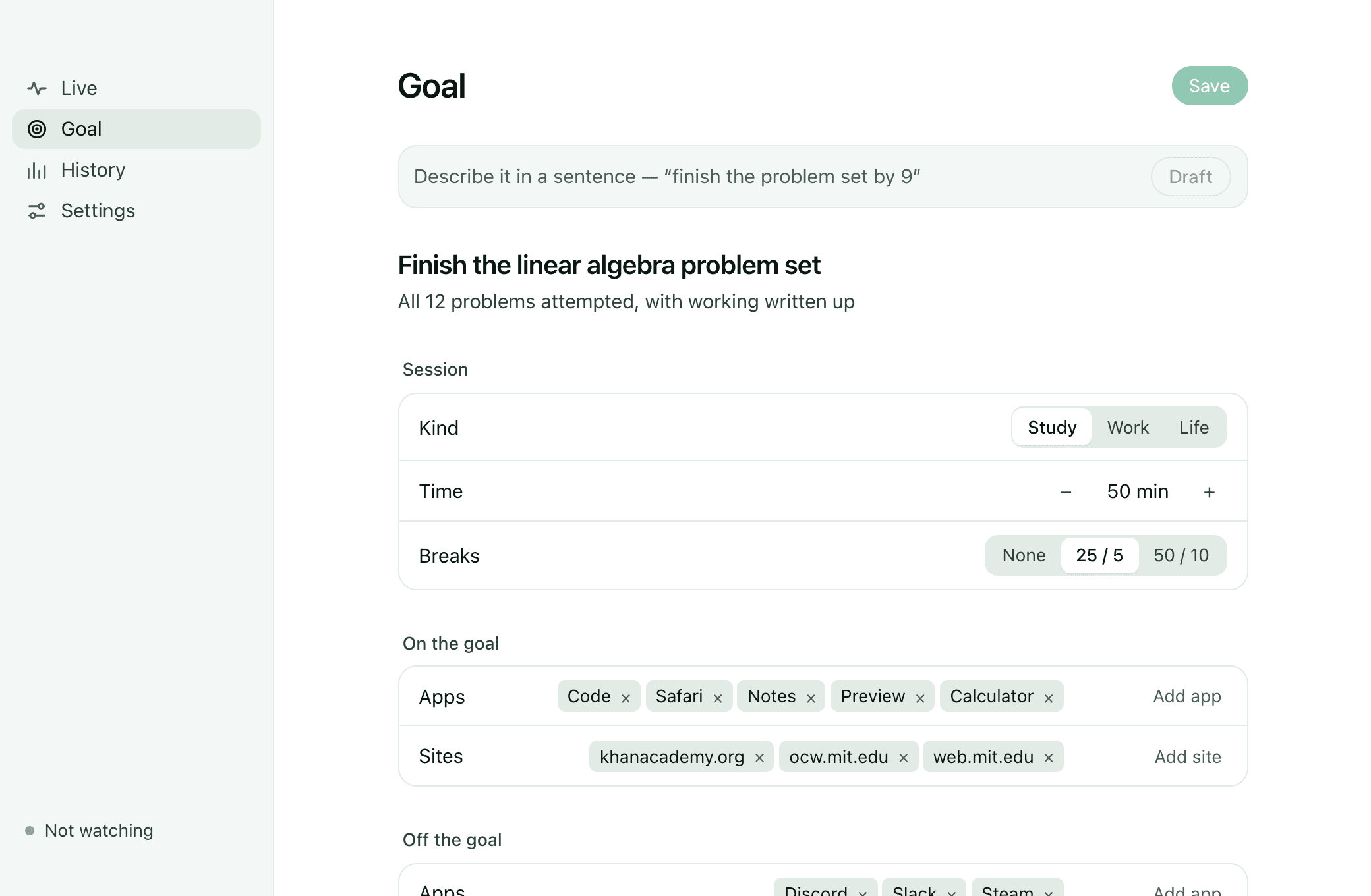
Say what you are here to do. Watch it get done.
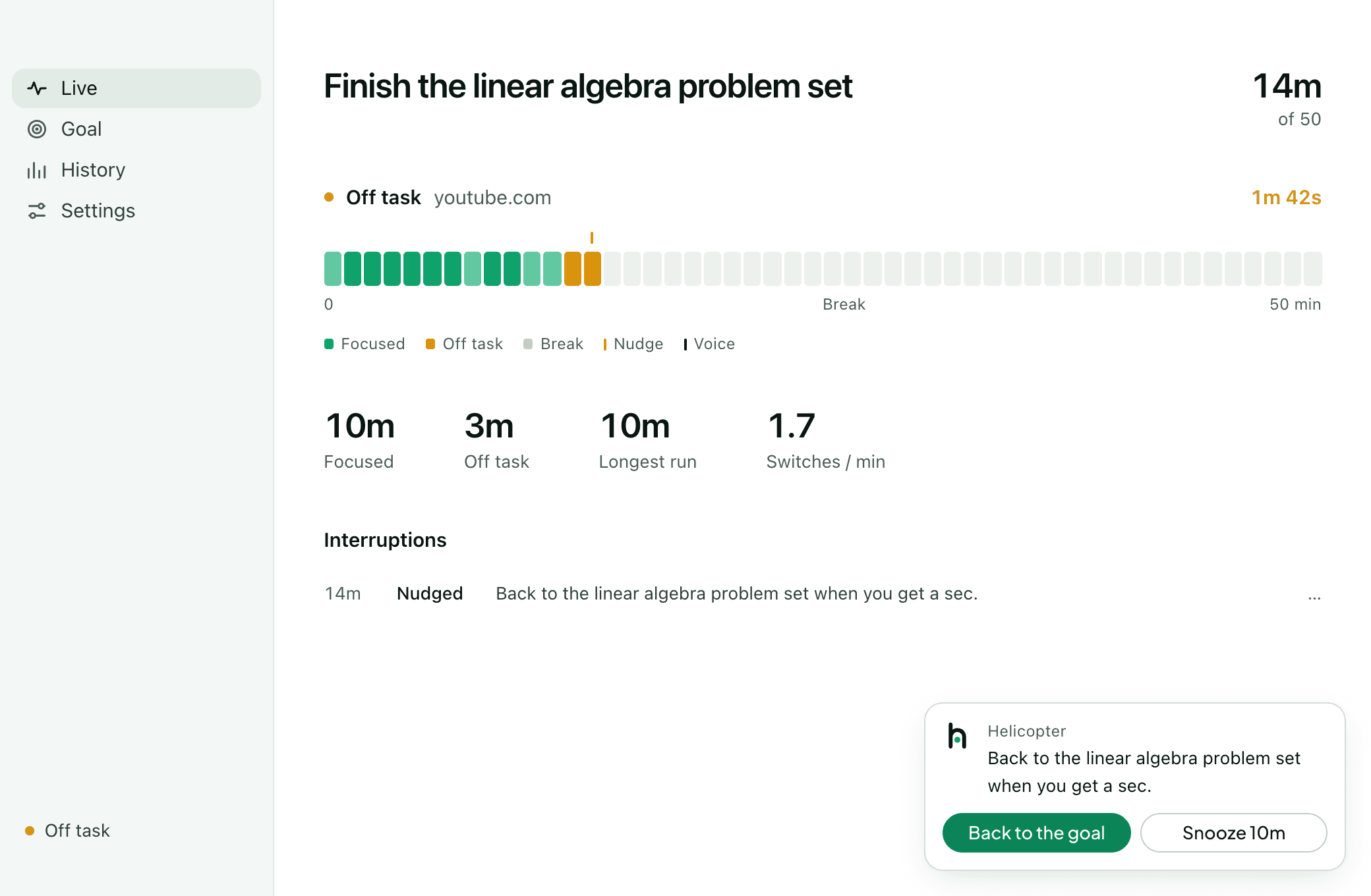
Download for macOSmacOS 13 Ventura or later · works without Lumi OneAlso on Android →Each minute fills in. When you drift, it nudges — and you choose what happens next.
Three permissions. Each one optional.
Say no to any of them and that signal is simply missing. Nothing else stops working.
Window titles, and a small screen frame at most every ten seconds.
Never — Password managers, banking apps, or the lock screen.
How often you type and click, counted per 30 seconds.
Never — Which keys. Not one character.
Which part of the front app has focus.
Never — What is written in it.
The desk follows you to the phone.
The Lumi app pairs with the desk over your Wi-Fi. It reports what Android honestly allows — time in each app, unlocks, still or walking — and receives nudges and spoken lines when you carry the phone away from the screen.
Download the app on the phone and open it. One tap past Android’s warning about an unknown source.
In the desktop app, open setup or Settings and ask for a pairing code.
Type the Mac’s address and the six digits. The desktop shows the phone the moment it lands.
Android sees app time and unlocks; iOS does not allow that without Apple’s Screen Time entitlement, so on iPhone the app speaks and nudges and says exactly what it cannot see.
Add eyes on the desk.
Lumi One notices the phone in your hand — something no app on your computer can.