Set a goal. It makes sure it happens.
A small unit on your desk and a desktop app notice when you drift — and step in only when it matters.
Forty minutes.
It spoke up twice.
Each cell is a minute. A nudge at minute fourteen was ignored; the spoken line a minute later was not. The rest of the time, it said nothing — because nothing needed saying.
040 min
FocusedOff taskBreakNudgeVoice
Quiet first.
Louder only if that fails.
A model reads the desk and the screen; your goal decides what it may do. Each step up happens only because the one below it did not work.
- 0SilentLogs the minute. Most minutes end here.You are on the goal
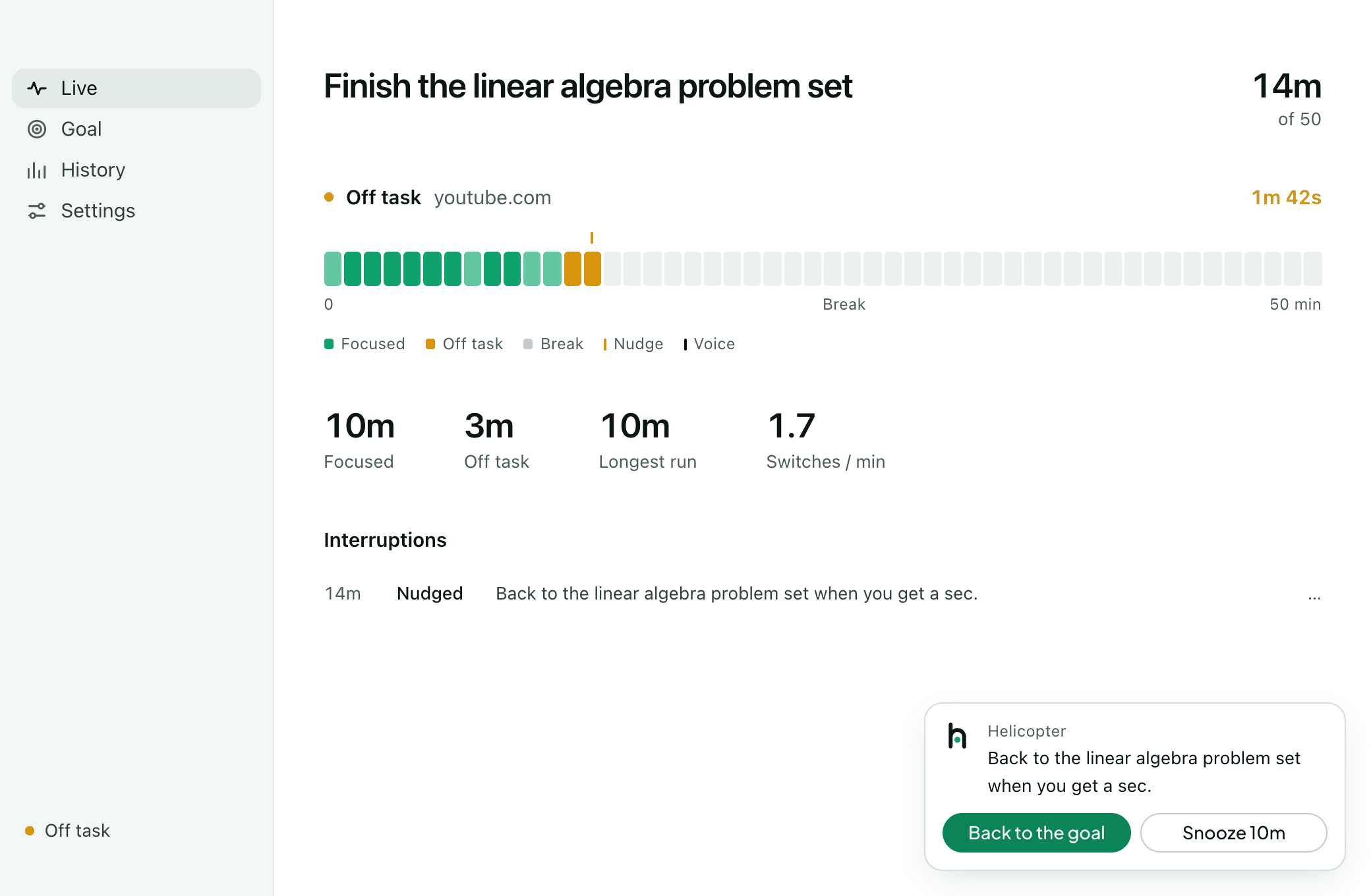
- 1LightThe menu-bar icon and the desk light turn amber.30 s off the goal
- 2NudgeA notification: back to the goal, or snooze.Still off a minute later
- 3VoiceOne sentence out loud. Talk over it to stop it.The nudge did not work
- 4ChangeMutes the site or starts the break. Undo in one click.Only if you allow it
Lumi One · $79
Sees the desk. Never keeps it.
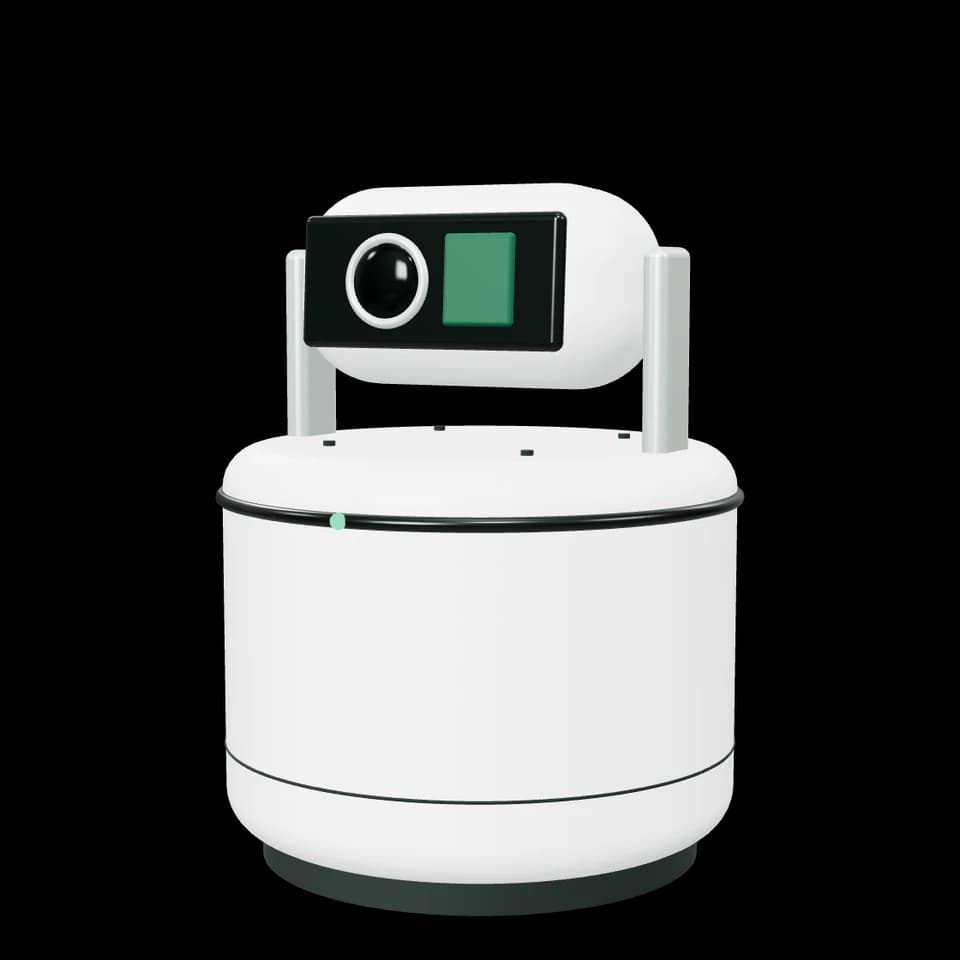
Camera, four mics, a speaker and a mechanical shutter. Nothing is stored on it.
See Lumi One →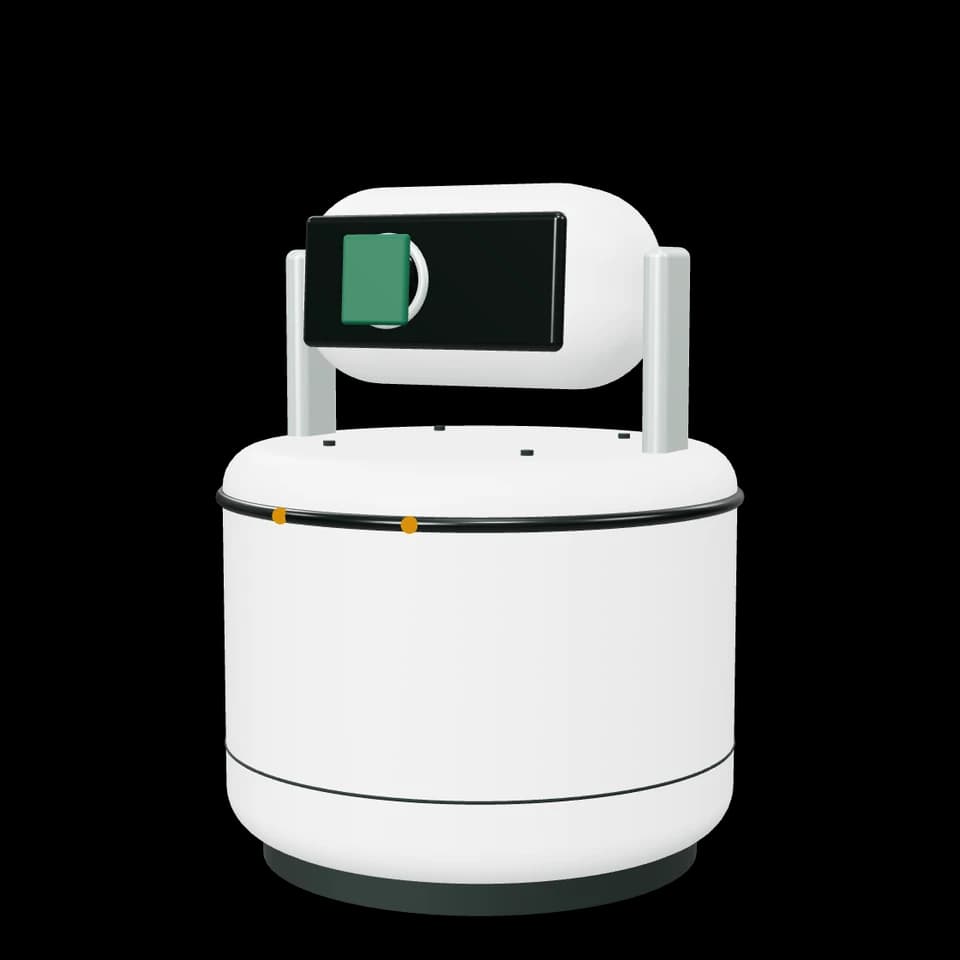
Desktop app · Free
Reads the machine. Counts, not keys.
The front app, window titles, how often you type. Your goal and your history live here.
Get the app →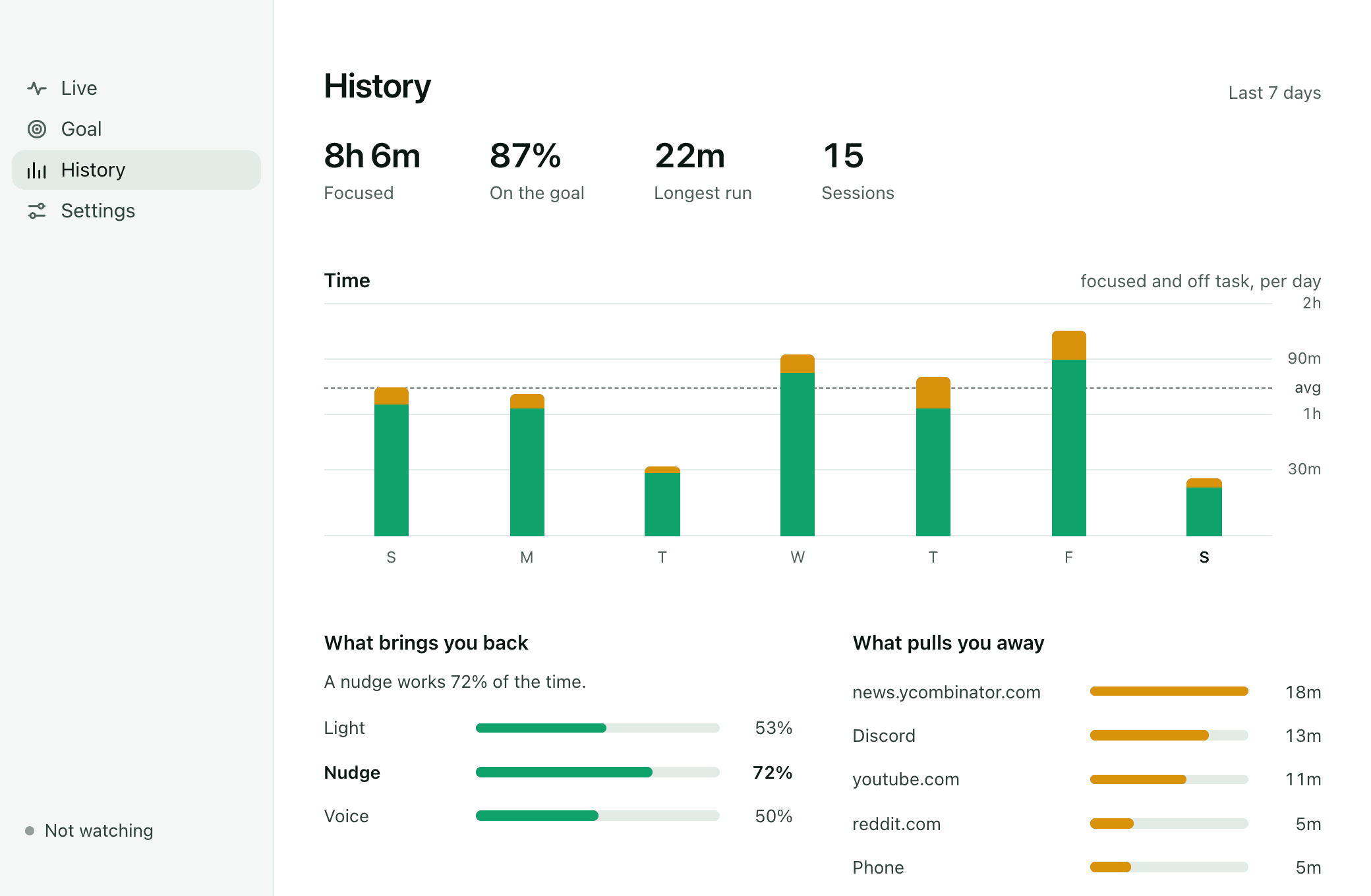
Counts and titles, never keystrokes or page contents. Every change it makes to your computer is shown and undone in one click. The shutter is mechanical.
How privacy works →